
Stop typing your
hostel wifi login.
Latch notices the hostel network and signs you in before you've unlocked your phone. Set your credentials once that's the last time you'll think about it.
Android 10+ · Windows 10/11
Knows your network
It watches for the hostel Wi-Fi and its captive portal. Other networks are left alone.
Logs in silently
Your credentials are submitted for you, in the background. No browser tab, no re-typing.
See where it went
Live upload and download curves, plus a session log — so "the Wi-Fi is slow" gets a number.
One login, then never again for the rest of the semester.
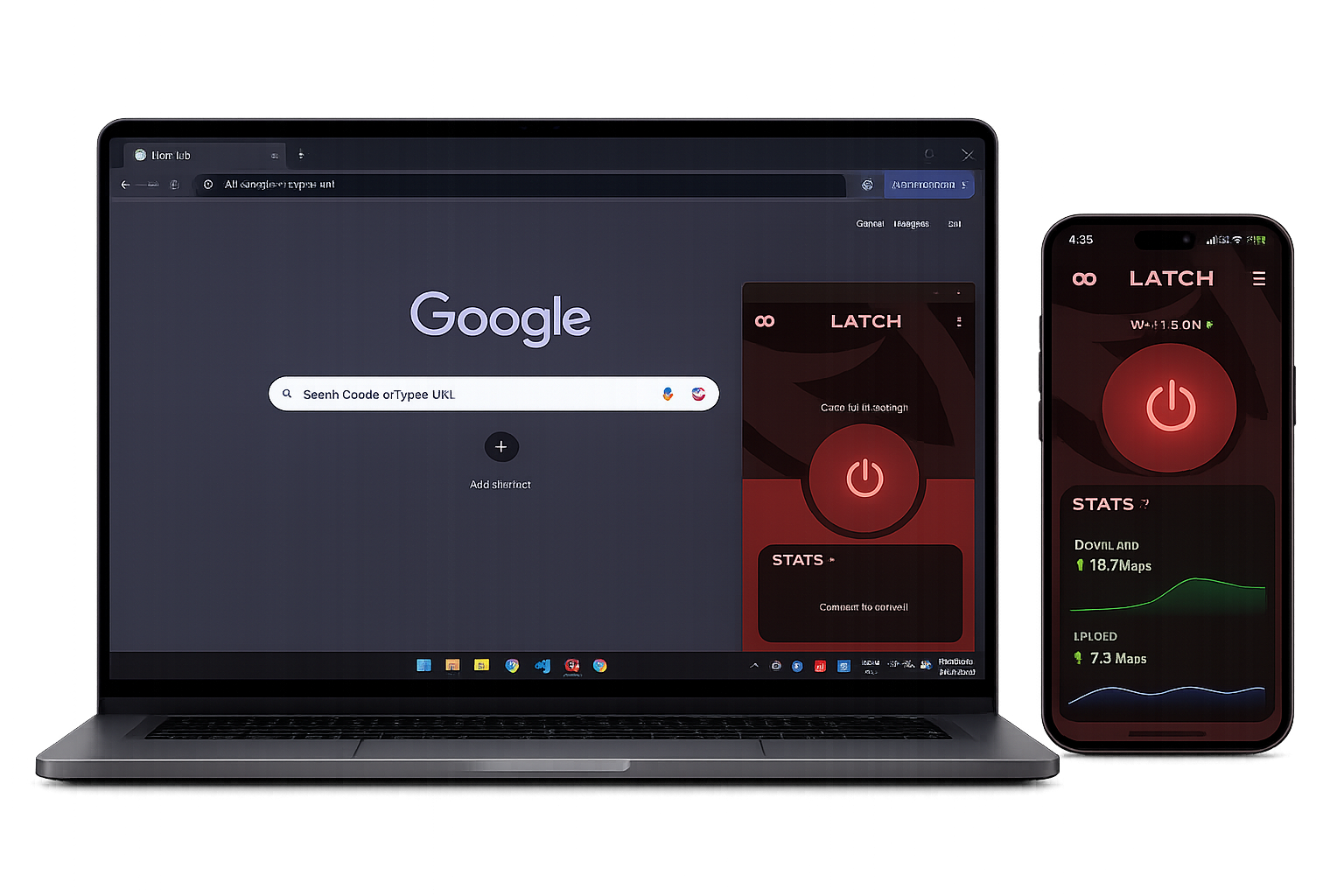
On your phone and your laptop.
Latch is built for both. Install it on each device, enter your credentials there once, and each one signs itself in the moment it reaches the hostel network.
Pick a colour. The whole app follows.
One seed generates the entire palette — surfaces, containers, text. Pick any hue you like, or drop the colour altogether. Try it: this page recolours exactly the way the app does.
Hue at a fixed 75% saturation and 42% lightness — the same constants the desktop picker uses.
Every surface on this page is one of these six roles, so a single seed repaints the whole thing — exactly what happens in the app.
HOW IT WORKS
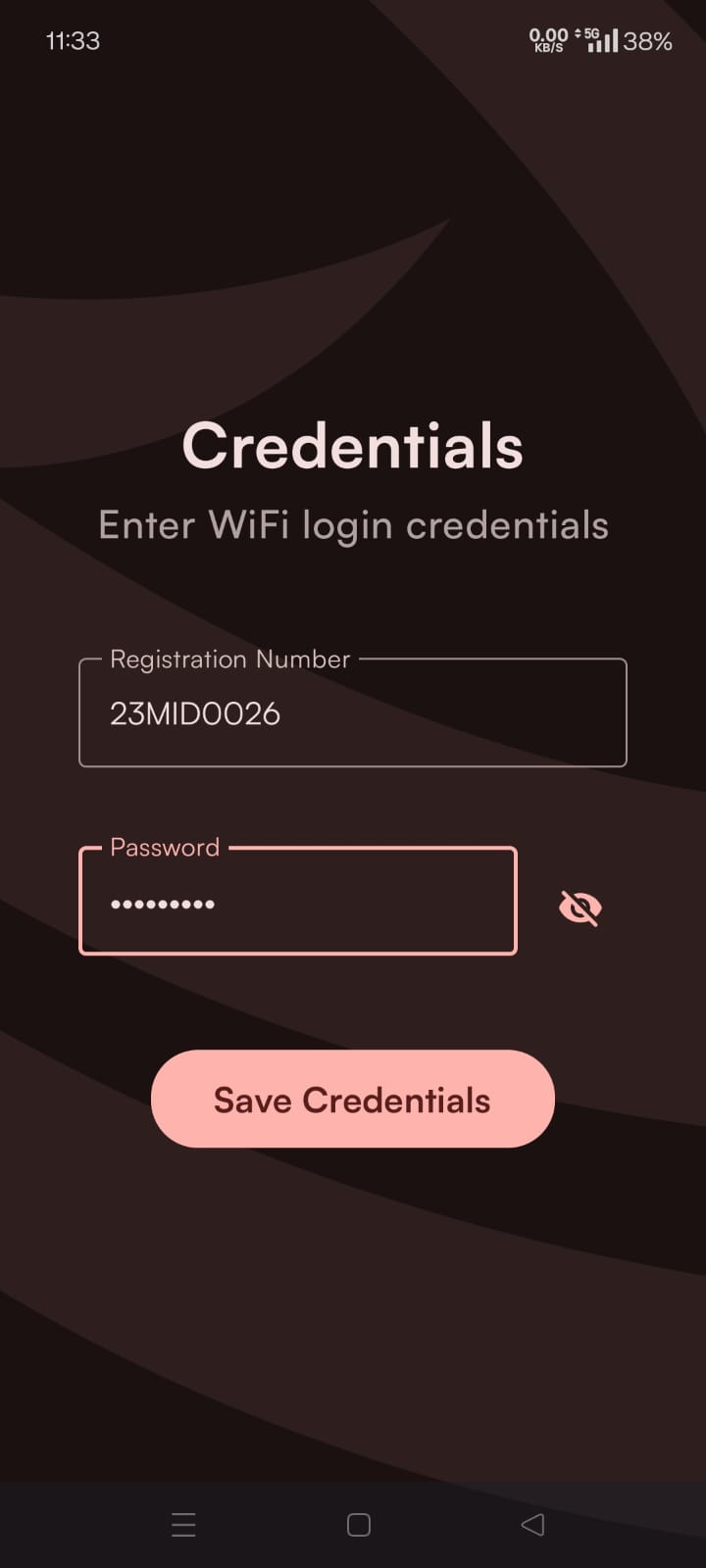
Install, type it once
Your registration number and password, entered a single time and kept encrypted on the device.
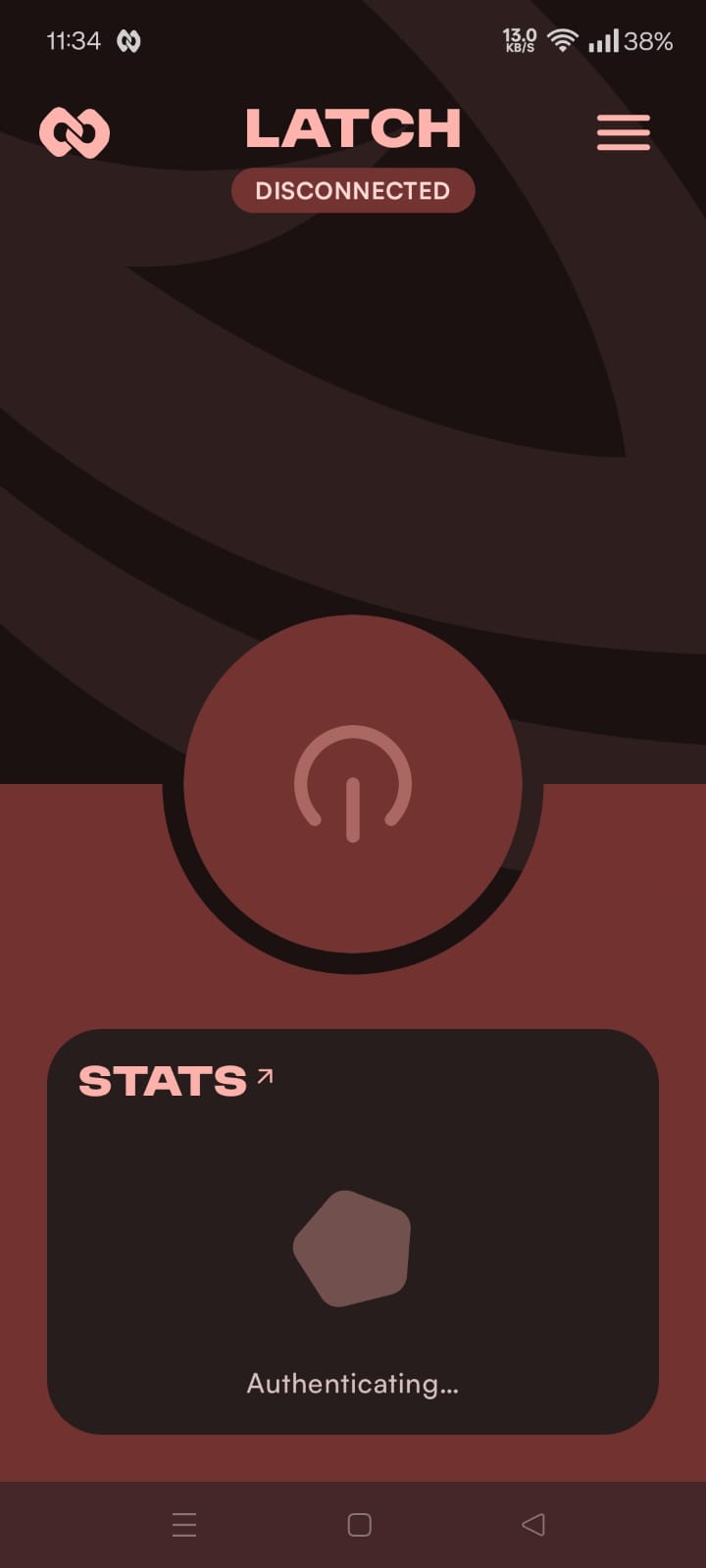
Latch waits
It sits quietly until it sees the hostel network and the portal that wants your login.
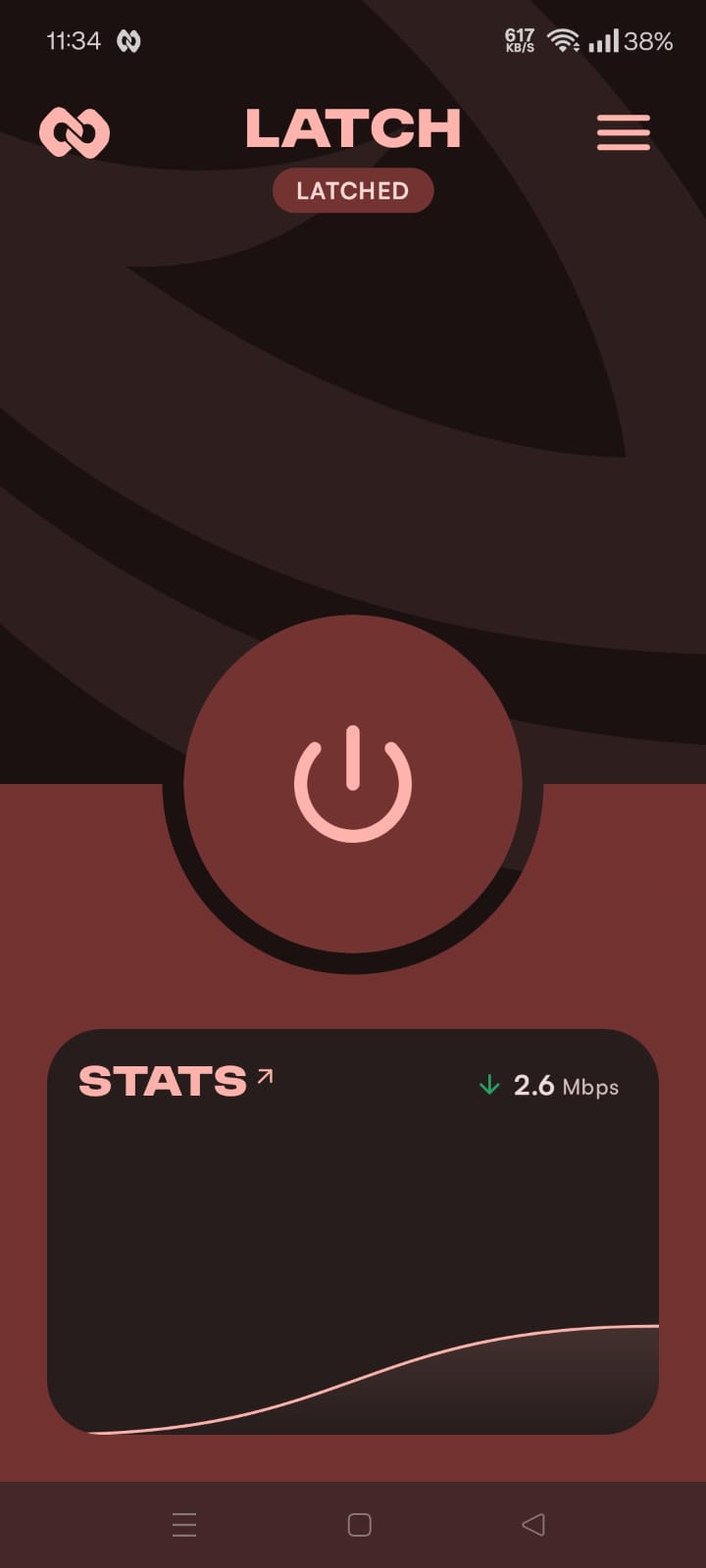
You're already online
By the time you open Instagram, you're through. The app just tells you it happened.
Before you install.
The five things people in the group chat always ask.
Still stuck? Open an issue01 Is my password safe?
It's stored encrypted on your own device and only ever sent to the campus portal that already asks for it. Nothing goes to us.
02 Will it eat my battery?
No. Latch wakes on network events rather than polling, does its one request, and goes back to sleep.
03 Which hostels and campuses work?
VIT hostel Wi-Fi today. Support for more VIT campuses is on the roadmap — if yours misbehaves, open an issue and we'll look.
04 Do I need to keep the app open?
No. Close it after setup — Latch works from the background and only surfaces to tell you it signed you in.
05 Will it work for iOS, MacBook, Linux?
Not yet. We're working on bringing Latch to iOS, macOS, and Linux. Stay tuned.